Send professional quotes and get paid faster.
Create quotes, collect no-login approvals, require deposits, convert approved work into jobs, send invoices, and accept online payments from one connected workflow.
- 14-day free trial
- No credit card required
- No customer account required
- Customer
- Sarah Johnson
- Service
- Carpet cleaning
- Living room cleaning$220.00
- Pet odor treatment$160.00
- Trip fee$40.00
- Total$420.00
- Payment
- $420.00
- Review request
- Sent
Quoting from memory and chasing payments kills your margin.
When quotes live in your head, prices get inconsistent, follow-ups get missed, invoices go out late, and customers forget to pay. Orbit Command keeps quoting, approvals, deposits, invoices, and payment tracking connected so money does not slip through the cracks.
Inconsistent quotes
When pricing lives in memory, every job becomes a judgment call and margin gets harder to protect.
Missed quote follow-ups
Open quotes go cold when no one remembers to follow up while the customer is still deciding.
Late invoices
If invoices go out days after the job, payment gets delayed before the customer even has a chance to pay.
Unclear payment status
Without a clear paid / unpaid view, owners waste time checking messages, spreadsheets, and bank activity.
From quote to paid in one clean flow.
Every step stays connected, from the first estimate to the final payment and review — no retyping, no disconnected tools.
- 1Build quote
Create a quote from presets, line items, notes, taxes, discounts, add-ons, and required deposits.
- 2Send for approval
Send a secure quote link by email or text — no app to download.
- 3Approve & deposit
Customers approve the quote and pay the required deposit without creating an account.
- 4Convert to job
Move approved work into the schedule without retyping customer or service details.
- 5Send invoice
Generate the invoice when the job is complete or when final payment is due.
- 6Collect payment
Accept online card payment through a secure link and track the status automatically.
- 7Request review
After payment, trigger a review request while the customer experience is fresh.
Quote, approve, invoice, get paid.
Everything needed to move from estimate to collected revenue without disconnected spreadsheets, manual follow-ups, or duplicate entry.
Quote presets for small owners
Create reusable pricing presets for flat rate, hourly, per item, per room, per square foot, trip fees, emergency fees, discounts, and required deposits.
No-login approvals
Customers review and approve quotes from a secure link without creating an account or downloading an app.
Collect deposits
Require a deposit at approval so work starts with money committed and fewer last-minute cancellations.
Convert quote to job
Turn an approved quote into a scheduled job without retyping customer, service, or pricing details.
Send invoices
Send clean invoices as soon as work is completed, with service details, totals, balance due, and payment links.
Online card payments
Accept online card payments through Stripe so customers can pay quickly from their phone or computer.
Invoice & payment tracking
See paid, unpaid, past due, deposit-applied, and refunded invoices from one clear view.
Ask for reviews after payment
Automatically request a review after payment so happy customers help build your reputation.
Add-ons, tiers, and change orders
Offer optional add-ons and tiered options, and capture approved extras so the final invoice reflects the real work.
Taxes, discounts, and fees
Apply tax on line items, plus discounts, trip fees, emergency fees, and tips without manual math.
Customers can approve and pay without creating an account.
Customers do not want another login. Orbit Command gives them a secure link where they can review the quote, approve the work, pay the deposit, view the invoice, and complete payment.
- Quote link. Customer receives the quote by email or text — no account, no app.
- Review details. Customer sees services, notes, pricing, deposit, and terms in plain language.
- Approve. Customer approves the work with one clear action.
- Pay. Customer pays the deposit or invoice through a secure payment link from their phone.
- Receipt. Customer gets confirmation and payment history stays tied to the job.
- Services
- $380.00
- Trip fee
- $40.00
- Total
- $420.00
No account needed · Secure payment
Build quotes faster without pricing from scratch every time.
Use presets, service items, add-ons, notes, fees, deposits, tax, and discounts to create professional quotes that stay consistent across the business.
- Deep clean — 3 roomsPer room · $80$240.00
- Pet odor treatmentAdd-on$160.00
- Trip feeFlat$40.00
- First-time discount10%-$44.00
- Tax (6%)
- $23.76
- Total
- $419.76
- Required deposit (25%)
- $104.94
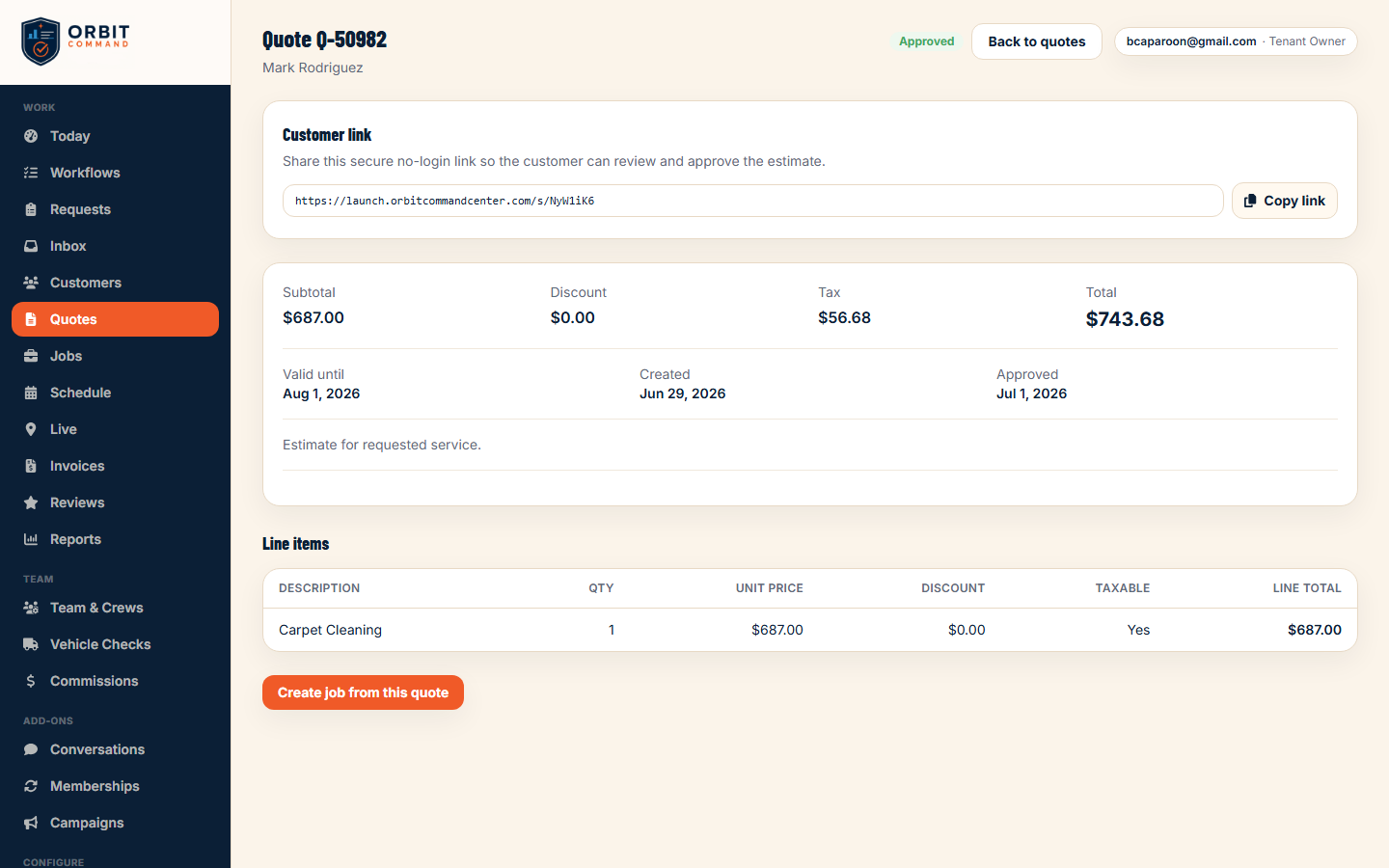
Know exactly what is paid, unpaid, and overdue.
Get a clear view of every invoice status so you and your office staff can follow up faster and avoid missing money. Each status shows a label, not just a color.
Advanced reporting is in beta.
Collect the right amount at the right time.
Some jobs need a deposit before work starts. Others need final payment after completion. Orbit Command makes payment expectations clear for the business and the customer.

Less chasing. More collecting.
When quoting, approvals, deposits, invoices, and payments share one workflow, money moves through your business on time — and you spend less of your week tracking it down.
Built for the people who keep money moving.
Owner-operators
Quote on the spot, collect deposits, and avoid losing details between the estimate and the job.
Office admins
Send invoices, track open balances, and follow up without digging through messages or spreadsheets.
Field technicians
Recommend add-ons, document completed work, and hand off invoice-ready job details.
Growing teams
Standardize pricing, approvals, payment status, and quote-to-job handoff across more people.
Quotes & Invoices is one part of your command center.
Quoting and getting paid become even more powerful when they connect directly to intake, scheduling, your client portal, and reporting.
Website Intake & Booking
Turn new requests into quotes without retyping lead details.
ExploreScheduling & Crew
Move approved quotes into jobs and keep work connected from estimate to completion.
ExploreClient Portal
Let customers approve quotes, pay invoices, and view job history through secure links.
ExploreReporting
Track revenue, open quotes, overdue invoices, and collection trends.
ExploreQuestions, answered.
Do customers need an account to approve or pay?+
No. Customers approve quotes and pay invoices through secure no-login links — no account and no app required.
Can I collect a deposit before starting work?+
Yes. Require a deposit on quote approval so you begin work with money down and fewer last-minute cancellations.
Can I convert an approved quote into a job?+
Yes. Approved quotes move directly into scheduling so customer details, services, notes, and pricing stay connected — no retyping.
Can customers pay from their phone?+
Yes. Customers can pay through secure online card payment links from their phone or computer.
Can I see which invoices are overdue?+
Yes. One invoice view shows paid, unpaid, past due, deposit-applied, and refunded balances so you always know what is outstanding.
Can I add taxes, discounts, fees, and tips?+
Yes. Quotes and invoices support tax on line items, plus discounts, trip fees, emergency fees, tips, and required deposits.
Are payment processing fees included?+
Online payments are processed through Stripe. Stripe's payment processing fees are separate from your Orbit Command subscription. Built-in invoicing tax via Stripe Tax is coming soon.
Does this work for commercial customers?+
Yes. Commercial customers can approve quotes, receive invoices, and pay online, with payment activity tied to their customer and job history.
Ready to quote faster and get paid sooner?
Run every request, quote, approval, invoice, payment, and customer conversation from one command center.
14-day free trial · No credit card required